
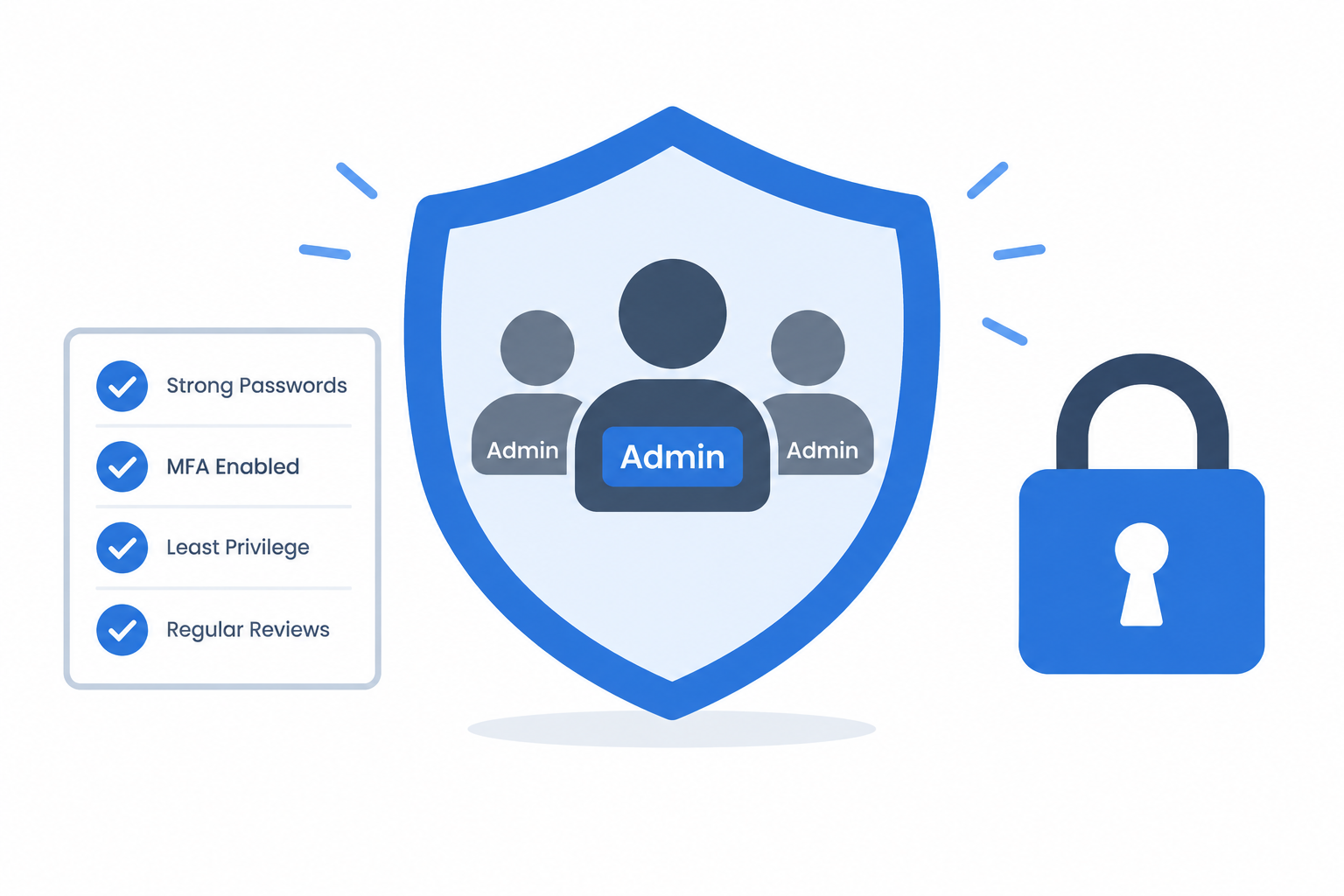
Admin (privileged) accounts are the keys to your environment—and the top target for attackers. Good hygiene means minimizing their number, separating them from daily work, enforcing strong authentication, granting access only when needed, and monitoring everything.
Why Admin Accounts Are High Risk
Admin accounts can install software, change configurations, access sensitive data, and manage other accounts. A single compromised admin identity can lead to full environment takeover, disabled security controls, and lateral movement. Treat these as “critical impact” identities that require extra controls.
Core Principles
1. Inventory and Rationalize
- Discover all privileged accounts: local admins, domain/cloud admins, service accounts, and break-glass accounts.
- Remove dormant/orphaned accounts and eliminate unnecessary shared admin accounts.
- Keep the number of standing admin accounts as small as possible.
2. Enforce Least Privilege
- Use role-based access control (RBAC) with granular admin roles.
- Avoid blanket “superuser” rights; assign only the permissions needed for specific tasks.
- Regularly review and remove unjustified privileges.
3. Separate Admin and Daily-Use Accounts
- Require admins to use a non-admin account for email, browsing, and routine work.
- Use admin credentials only for tasks that truly require elevated privileges, then log out immediately.
4. Require Strong Authentication
- Enforce long, unique passphrases for all admin accounts.
- Mandate multi-factor authentication (MFA) for every admin login and privilege elevation.
- Prefer phishing-resistant or passwordless MFA for critical admins where possible.
5. Replace Standing Access with Just‑In‑Time (JIT)
- Use Privileged Identity Management (PIM) or similar tools to grant time-limited elevated access.
- Require approval workflows for critical role activations.
- Automatically revoke elevated permissions after the task or time window ends.
6. Use Privileged Access Workstations (PAWs)
- Perform admin tasks from hardened, monitored devices on a segmented management network.
- Prevent admin accounts from logging into regular user workstations wherever possible.
7. Vault, Rotate, and Protect Credentials
- Store privileged passwords, keys, and secrets in a dedicated vault.
- Rotate admin credentials regularly and after any suspected compromise.
- Avoid hard-coded credentials in scripts; use managed identities or secret managers instead.
8. Monitor and Investigate Privileged Activity
- Enable detailed logging of privileged sign-ins, role activations, and admin actions.
- Send logs to your SIEM and alert on anomalous behavior (unusual times, locations, or actions).
- Where feasible, record privileged sessions for audit and forensics.
9. Govern the Full Lifecycle
- Document justification and training requirements when onboarding admins.
- Re-validate access when roles change; remove privileges that are no longer needed.
- Immediately disable or delete admin accounts on offboarding and rotate any shared credentials.
A Simple Admin Hygiene Checklist
- Complete inventory of all privileged accounts (on-prem, cloud, service, break-glass).
- Remove inactive/orphaned and unnecessary shared admin accounts.
- Enforce MFA on all admin sign-ins and elevations.
- Require separate non-admin accounts for daily work.
- Implement JIT/PIM; minimize standing admin access.
- Mandate PAWs or hardened admin devices for privileged tasks.
- Store admin credentials in a vault; rotate regularly.
- Enable logging and alerting for privileged activity; review access periodically.
- Document and test onboarding/offboarding procedures for admin accounts.
Closing Thought
Admin account hygiene isn’t about making life harder for IT; it’s about reducing the blast radius when (not if) something goes wrong. By inventorying privileged identities, separating duties, enforcing strong authentication, limiting standing access, and monitoring closely, you turn your most dangerous accounts into well-controlled, auditable tools.