
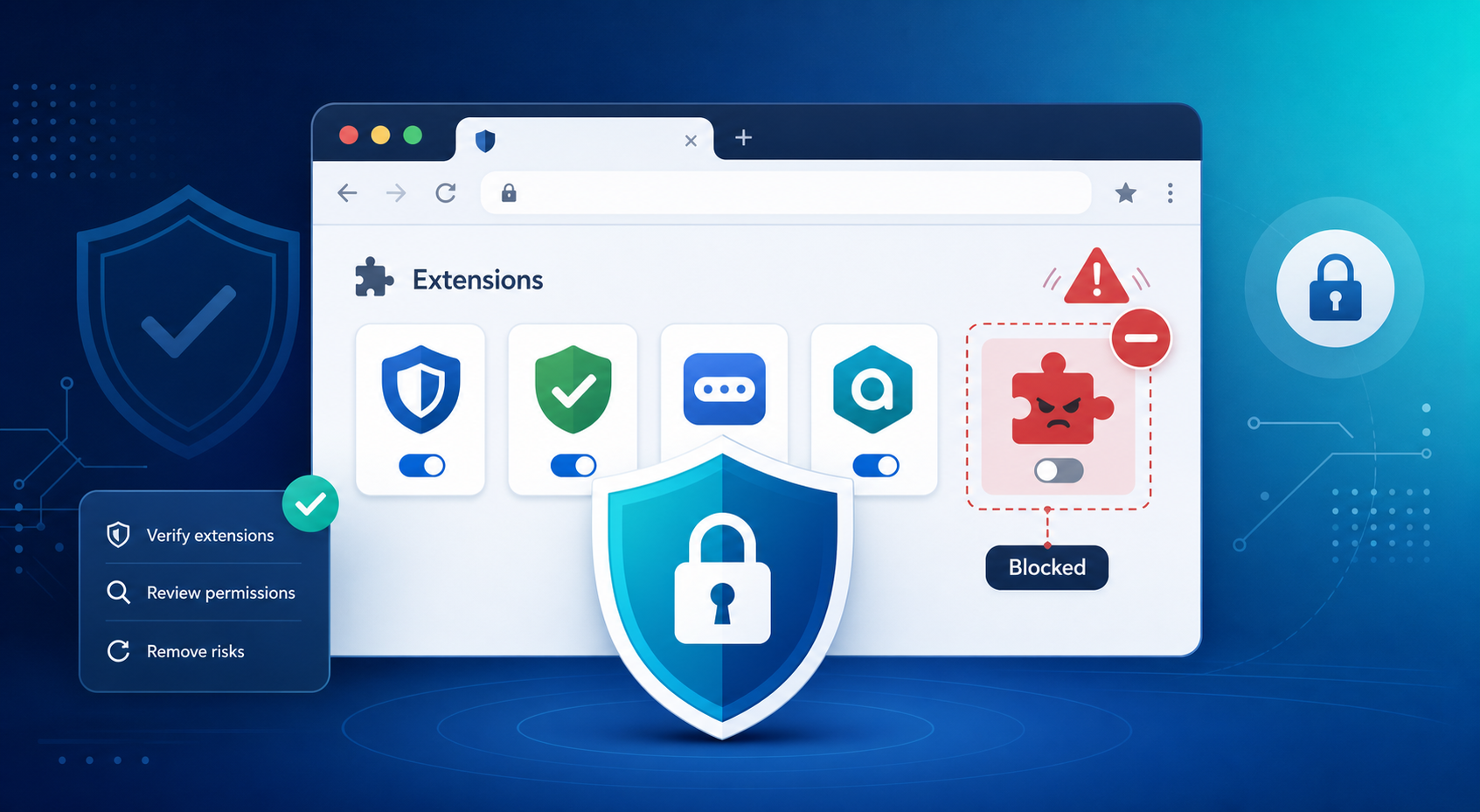
Browser Extensions Security: A Practical Guide
Browser extensions can be genuinely useful, but they also expand your attack surface and can expose sensitive browser data if they are poorly designed, over-permissioned, or malicious. A good vetting process focuses on vendor trust, permission review, and ongoing monitoring rather than assuming the store listing alone makes an extension safe.
Why extensions are risky
Extensions carry risk because they operate within the browser environment. This often gives them access to visited pages, form inputs, cookies, session data, and broader browsing activity. As a result, they are attractive targets for attackers. A compromised extension can steal credentials, leak data, or behave like malware.
Importantly, the danger isn’t limited to suspicious-looking add-ons. Even legitimate extensions can become risky if the developer account is hacked, the company changes ownership, or updates quietly expand functionality.
What to vet first
The first step in vetting is assessing the developer or company. Look for a legitimate website, clear support channels, consistent branding, and a track record of stable updates. These signals help distinguish trustworthy vendors from disposable or questionable ones.
Next, treat the store listing like a security document. It should clearly explain what the extension does, what data it accesses, and whether any data is shared with third parties. Vague descriptions or overly broad claims should raise concerns.
Permission review
Permissions are the strongest indicator of risk. An extension should only request access that directly aligns with its purpose. Requests like “read and change all your data on the websites you visit” deserve extra scrutiny.
A simple check is to ask whether the extension could function with fewer permissions. If a basic tool asks for unrelated access—like a note app requesting browsing history or a calendar tool asking for privacy settings—it’s likely overreaching.
Store trust is not enough
While official browser stores provide some level of screening, they are not foolproof. Risky or malicious extensions can still get published. Treat the store as a starting point, not a guarantee of safety. In higher-risk environments, additional checks like static analysis, risk scoring, or behavior inspection are often used.
A simple vetting checklist
Before installing any extension, follow a basic checklist:
- Confirm the developer is legitimate and traceable.
- Ensure the extension has a clear, focused purpose.
- Verify that permissions match its functionality.
- Review user feedback for signs of suspicious behavior or data misuse.
- Limit installations to only what you truly need.
- Reevaluate extensions after updates, especially if new permissions appear.
For teams and companies
In organizations, extensions should be controlled through approval processes or allowlists. This helps reduce shadow IT, limit unnecessary access, and maintain visibility over what runs in employee browsers. Regular audits, removal of unused tools, and escalation for extensions accessing sensitive systems are also essential. Some teams also use monitoring tools to detect risky changes after installation.
Sample decision rule
A practical rule is to approve extensions with a trustworthy vendor, a clear purpose, and minimal permissions. Avoid anything vague, overly permissive, or opaque. If an extension is useful but touches sensitive data, escalate it for further review rather than approving it outright.
Closing note
Ultimately, extension security comes down to trust, necessity, and least privilege. If an extension cannot clearly justify its level of access, it likely shouldn’t be installed.
If you’d like help building an exit-ready baseline across your vendor stack, contact us for a technology consultation.
Our cyber security services personnel can help you in formulating safe practices to vet and in implementation of your browser extensions.