
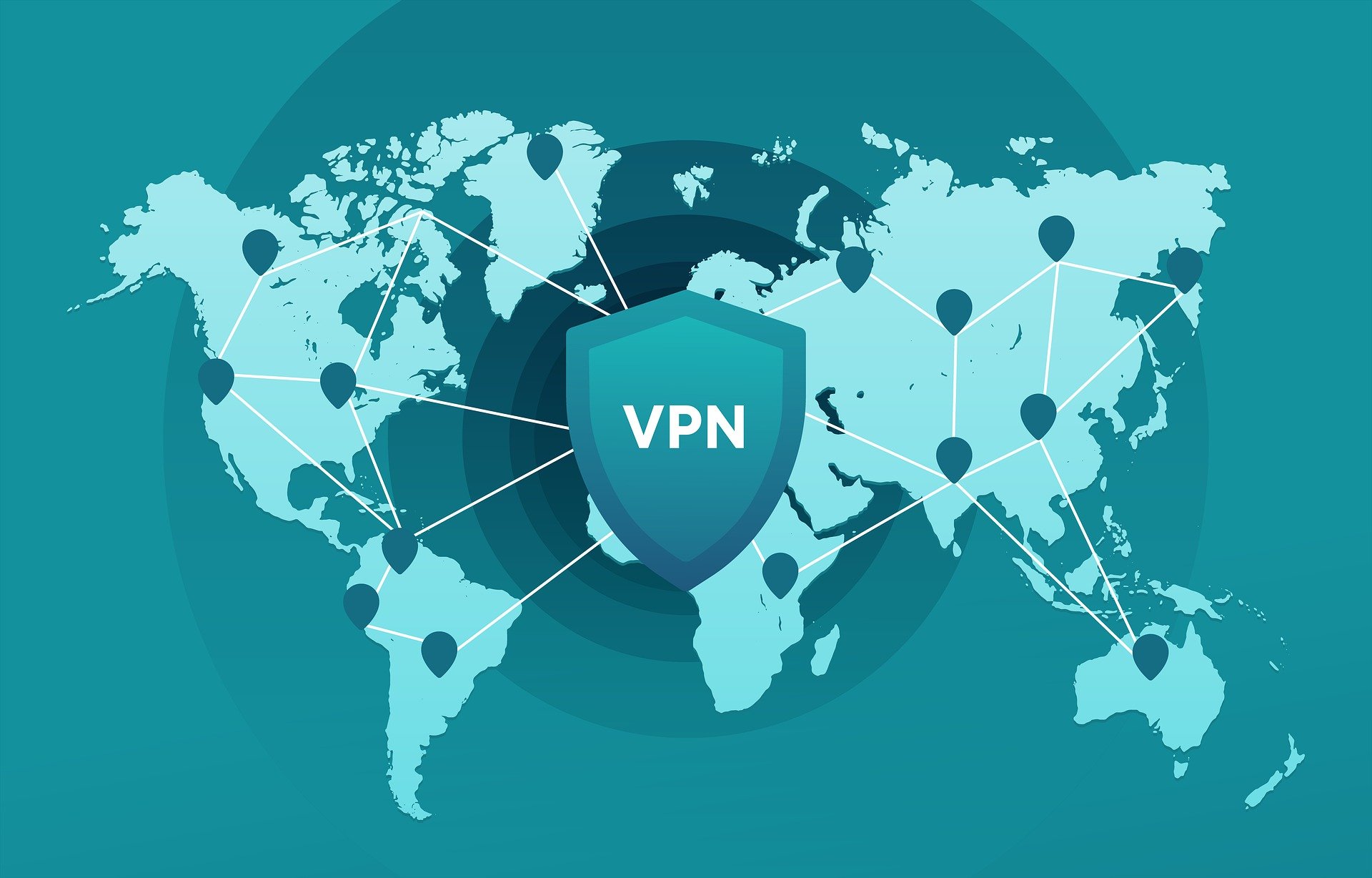
In today’s hyper‑connected digital environment, privacy and security have become essential concerns for individuals and organizations alike. With cyber threats at an all‑time high, remote work becoming the new normal, and personal data increasingly vulnerable, the demand for secure digital practices has never been more critical. One of the most effective yet accessible tools that addresses these concerns is the VPN — Virtual Private Network.
A VPN is not just a tech buzzword. It’s a powerful, practical tool used by millions of people to protect their digital identity, secure business data, bypass restrictions, and maintain control over their privacy. In this in‑depth guide, we’ll walk through everything you need to know about VPNs, from how they work to choosing the right one for your needs.
What Is a VPN?
A VPN (Virtual Private Network) is a technology that encrypts your internet traffic and masks your IP address, giving you a private and secure connection. Instead of connecting directly to a website or online service, your traffic is routed through an encrypted tunnel to a secure VPN server.
This process ensures:
- Your identity is hidden.
- Your online activities can’t be easily tracked.
- Your data remains protected from cybercriminals.
- You can access content without geographic restrictions.
Originally built for businesses to connect remote employees securely, VPNs have now become indispensable for everyday internet users.
How VPNs Work
To understand VPNs, picture your data moving through the internet as a stream of messages. Normally, these messages are open for anyone to inspect — your internet service provider (ISP), public Wi‑Fi hosts, and even cyber attackers.
A VPN changes this in two major ways:
- Encryption: Your data is converted into unreadable code using advanced encryption algorithms like AES‑256, used by banks and government agencies. Even if someone intercepts your data, they can’t decode it.
- IP Masking: Your IP address, which reveals your location and identity is replaced with the IP address of the VPN server. Websites only see the VPN’s IP, not yours.
- Secure Tunneling: Your internet traffic travels through a protected “tunnel” that prevents third‑party access. Protocols like OpenVPN, WireGuard, and IKEv2 ensure this tunnel is both fast and secure.
In short, a VPN shields your data and identity from prying eyes.
Why Using a VPN Is More Important Than Ever
Protect Your Privacy on All Networks: Your ISP has access to everything you do online — browsing habits, apps used, downloads, and more. Some ISPs even sell anonymized user data for profit. A VPN blocks this visibility, making it impossible for them to track your online footprint.
Stay Safe on Public Wi‑Fi
Public Wi‑Fi in cafés, airports, co‑working spaces, and hotels is a goldmine for hackers.
- Common attacks include:
- Man‑in‑the‑Middle attacks.
- Fake Wi‑Fi networks.
- Packet sniffing.
- Credential theft.
A VPN encrypts your connection, ensuring your passwords, messages, and data remain safe even on the most insecure networks.
Access Geo‑Restricted Content
Websites often restrict content based on location — especially streaming platforms, gaming servers, and news outlets.
A VPN allows you to:
- Watch shows exclusive to other countries.
- Access websites blocked in your region.
- Connect to international gaming servers.
- Maintain access while traveling.
Prevent ISP Bandwidth Throttling
If your ISP detects high‑bandwidth activities like streaming or gaming, they may intentionally slow your connection. With a VPN, your ISP can’t see what you’re doing, so they can’t selectively throttle your bandwidth.
Improve Remote Work and Business Security
For companies, VPNs are essential in securing:
- Remote employee connections.
- Access to internal systems.
- Confidential business data.
A corporate VPN creates a private, protected pathway between employees and company networks.
Types of VPNs
- Personal VPNs: Used by individuals for privacy, anonymity, and content access.
- Corporate VPNs: Connect remote workers to a secure corporate network.
- Site‑to‑Site VPNs: Used by businesses to link multiple office locations into one secure network.
- Cloud VPNs: Secure cloud applications and services — ideal for companies shifting to cloud environments.
Key Features to Look For in a High‑Quality VPN
Choosing the right VPN matters. Not all providers offer the same level of protection. Look for:
- Strong Encryption: AES‑256 or stronger.
- No‑logs Policy: The VPN must not store your online activity.
- Fast Servers: Especially important for streaming or gaming.
- Global Server Network: More locations = more options for speed and content access.
- Kill Switch: Automatically protects your privacy if the VPN disconnects.
- Multi‑Device Support: Should cover PC, mobile, tablets, and routers.
- Transparent Ownership: Some shady VPNs hide behind unknown corporations.
Avoid completely free VPNs. Many earn money by collecting and selling your data.
Are VPNs Legal?
In most countries, including the US, UK, Europe, and Hong Kong, VPNs are perfectly legal. They are widely used by individuals and organizations for privacy and security. However, a handful of countries have restrictions. Always follow local laws when traveling.
Final Thoughts: Do You Really Need a VPN?
In an increasingly connected world, protecting your online identity is no longer optional, but it’s essential. A VPN provides a simple yet powerful way to:
- Enhance your privacy.
- Keep hackers away.
- Access global content.
- Avoid tracking and throttling.
- Secure your business data
Whether you’re an everyday user or managing a company network, a VPN is a smart investment in your digital safety. Our experts in managed IT services team can assist in your VPN implementation needs.