
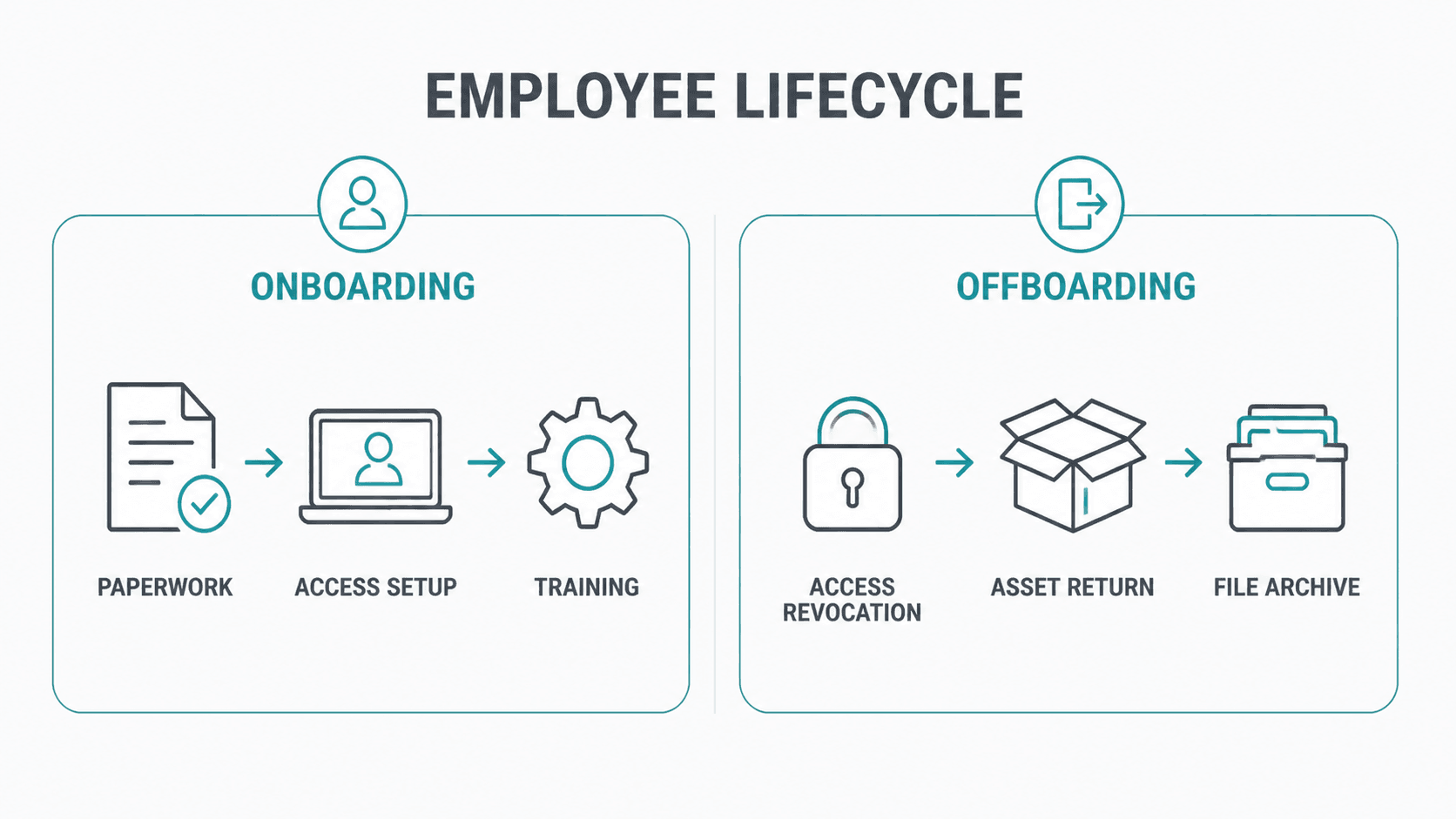
Why Bad Onboarding Is the Real Cause of Messy Offboarding
By the time an employee submits their resignation, the factors that determine whether their exit will be smooth or chaotic have already been set in motion. Those decisions were made during their first few weeks, when attention was elsewhere and onboarding shortcuts felt harmless. A shared login here, a quick SaaS signup there, a personal laptop used temporarily until company hardware arrived. By month six, these choices no longer feel like decisions, they’ve simply become the way things work.
This article explores why offboarding sometimes drags on for weeks, the four onboarding shortcuts that almost guarantee a difficult exit, how to clean up gaps within your current team, and what your IT provider should be handling during onboarding but often isn’t.
Why offboarding drags on
A well-structured offboarding process should take about 60 to 90 minutes of IT effort. Access is disabled centrally through your identity provider, cutting off entry to all connected systems via single sign-on. Devices are wiped remotely or collected and reset. Email is redirected or converted into a shared mailbox. Ownership of CRM and project tools is reassigned. A pre-prepared handover document is completed and stored.
When the groundwork isn’t in place, the same process can stretch into weeks. It often begins with a scattered, incomplete list of tools, frequently reconstructed with help from the departing employee. Accounts across platforms like Figma, Loom, Notion, or Airtable surface, each created independently and tied to personal passwords. Devices may still be in the employee’s possession. Unexpected client emails and lingering vendor charges follow.
The difference between a clean and chaotic offboarding comes down to how onboarding was handled.
In identity management, this is known as the “joiner, mover, leaver” lifecycle. When onboarding is rushed, the cleanup gets deferred, and ultimately compressed into the period after someone resigns.
Four onboarding shortcuts that create problems later
- Allowing employees to create their own SaaS accounts: When staff sign up for tools independently, those accounts effectively belong to them. Access may be difficult to recover, and in some cases, the business may not even know the account exists until something breaks or a charge appears. Centralized provisioning through single sign-on prevents this.
- Treating personal devices as a temporary workaround: Personal devices used for work rarely stay temporary. Over time, they accumulate company data and access. Without device management in place, you cannot enforce data removal when the employee leaves. Issuing managed company devices from day one—or enforcing managed access on personal devices—is critical.
- Using shared logins to avoid per-seat costs: Shared credentials make it nearly impossible to revoke access cleanly for a single user. Password changes disrupt everyone, and in some cases, no one remembers the credentials. What seems like a cost-saving measure often results in wasted time and security risks later.
- Keeping client communication in individual inboxes: When client relationships live inside one person’s email, they leave with that person. Context, history, and continuity are lost. Using shared inboxes or a CRM ensures the relationship stays with the business.
Fixing issues in your current team
Most organizations need to focus on cleaning up their existing setup before the next departure happens.
- SaaS audit: Review recent credit card statements and identify every recurring software charge. For each tool, confirm ownership, access, and whether credentials are shared or recoverable. This quickly reveals hidden dependencies and orphaned accounts.
- Device register: Create a simple inventory of devices: who uses what, whether devices are managed, and what company data they can access. Include personal devices. The goal is visibility, not enforcement.
- Centralizing client communication: Move client interactions into shared systems wherever possible. Even simple steps, like CC’ing a shared mailbox, improve continuity and reduce risk.
What IT should handle during onboarding
IT support is often brought in only when someone leaves, which is too late. Effective IT partners are involved from day one of employee onboarding. They should:
- Set up accounts within a centralized identity system.
- Provision access through single sign-on.
- Enroll devices in management tools.
- Maintain up-to-date handover documentation.
When this structure is in place, offboarding becomes a quick, predictable process instead of a prolonged cleanup exercise.
A practical 60-day plan
- Weeks 1–2: Audit SaaS tools and identify single points of failure.
- Weeks 3–4: Build a complete device inventory and enforce basic controls.
- Weeks 5–6: Move key client communications into shared systems.
- Weeks 7–8: Define and document a proper onboarding process.
Most of this work is operational rather than technical. A spreadsheet, a few conversations, and some focused IT support can resolve the majority of issues.
FAQs
How long should offboarding take?
With proper systems in place, about 60–90 minutes. Without them, it can take weeks.
How can I uncover unknown SaaS tools?
Review company credit card statements for recurring charges.
Can company data be removed from personal devices?
Only if management tools or controlled access were set up during employment.
Why is single sign-on important?
It allows all access to be revoked from one central point.
Should employees only use company devices?
Ideally yes. If not, personal devices should still be managed or restricted through secure access controls.
Conclusion
Whether you are a growing startup or a large organization, Dual Layer IT services can assist you in improving your onboarding and offboarding processes with smarter IT solutions.